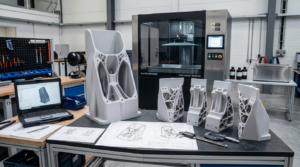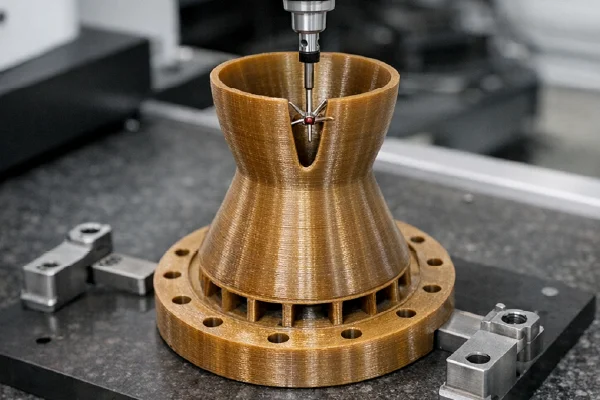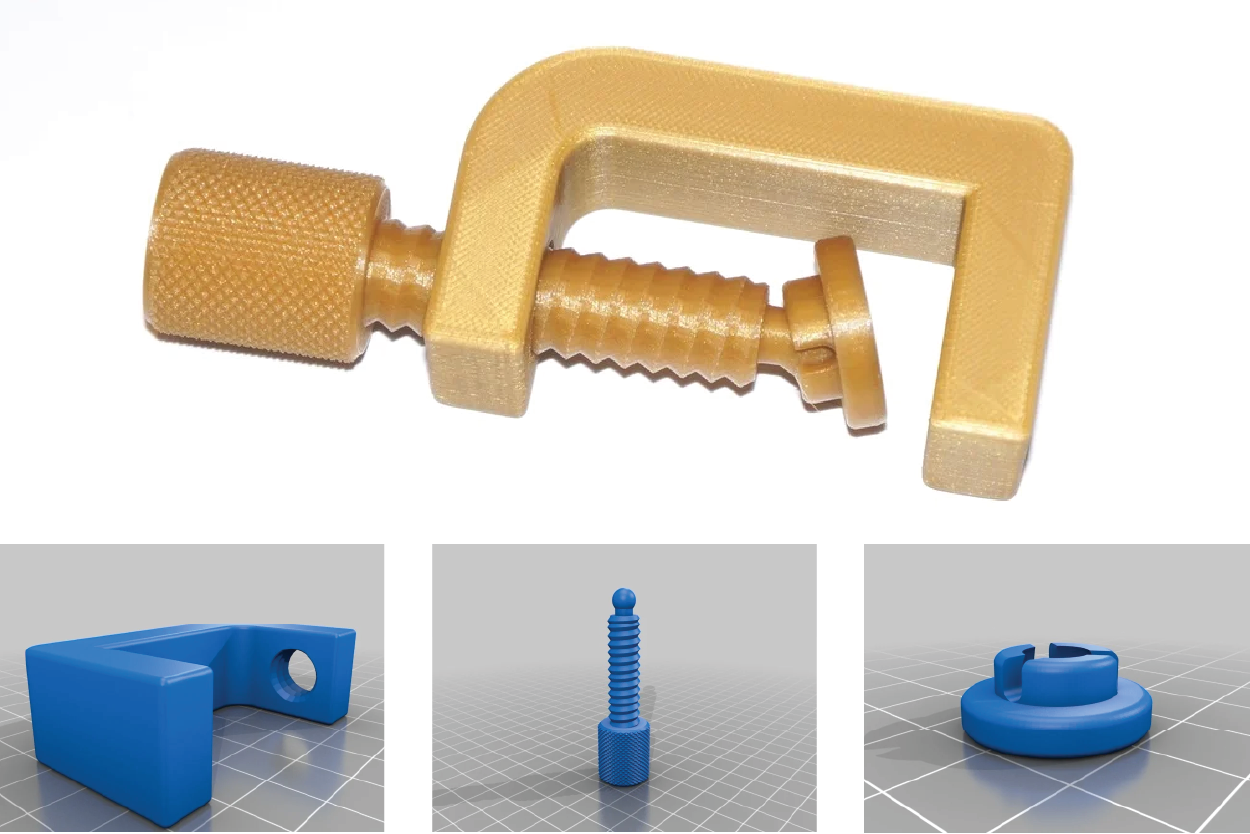
In 3D printing and computer-aided design (CAD), the STL file format plays a crucial role. Whether you are a hobbyist making custom figurines or an engineer creating prototypes for industrial parts, it is essential to understand STL files.
This blog post will explain what STL files are, how they work, and why they are essential for 3D printing.
What are STL files?
An STL file is a type of file used to represent the surface of a 3D object. It breaks the object’s surface into a series of connected triangles, forming a mesh. These triangles represent the shape of the object but do not include details such as color, texture, or material.
Using more triangles in the mesh increases the detail and resolution of the 3D model. However, this also increases the file size, which can affect the speed at which it processes and prints.
What is the history of STL Files?
The STL file format was developed in 1987 by 3D Systems, a pioneer in 3D printing technology. It is a straightforward file format that supports stereolithography, one of the earliest methods used for 3D printing. Today, STL is the primary file format utilized in 3D printing due to its user-friendliness and compatibility with both CAD software and 3D printers. This format enables users to represent the surface shape of 3D objects without requiring complex data structures. The simplicity of STL files has established them as the standard for 3D printing and computer-aided design (CAD), enabling users to work efficiently.
STL stereolithography files were initially used primarily for rapid prototyping and 3D printing, making it easy for designers and engineers to share and collaborate on 3D models. Over the years, the format has evolved in terms of size and accuracy, and now it also supports color and texture information. These upgrades have expanded the capabilities of 3D printing, making STL files even more crucial for additive manufacturing.
How do STL Files work?
STL files are digital blueprints for 3D objects. They describe an object’s shape using a system that includes three coordinates: X, Y, and Z. They provide details about the points (vertices) and the surface direction (normals) of each triangle in the object. 3D printers use this information to build the object layer by layer.
STL files can store this information in two main ways:
- ASCII Encoding: This format is easy to read and understand. It lists the coordinates of each triangle, but the files are larger and can take up more space.
- Binary Encoding: This format is more compact. It holds the same information as ASCII but in a smaller file size, which most 3D printing applications prefer.
Why Are Stereolithography Files Important?
STL files are essential for many reasons:
Compatibility
STL files work with almost all 3D printers and design software. Making them a standard choice for 3D printing. They enable seamless communication between design tools and 3D printers, regardless of the products you use.
Simplicity
STL files focus only on the shape of an object. Making them lightweight and quick to process. Their straightforward design is ideal for rapid prototyping, where achieving results quickly is crucial.
Support for 3D Printing
3D printing utilizes STL files to transform digital designs into physical objects. Without these files, converting a 3D model into a printable format would be significantly more difficult.
Versatility
STL files can create a wide range of objects, from simple prototypes to complex designs. They are especially suitable for projects where color and texture aren’t important, such as mechanical parts or architectural models.
Limitations of STL Files
STL files are handy, but they have some limitations:
- No Metadata: STL files do not include details about color, texture, or material. It can be a problem for more complex designs.
- Resolution and File Size: A higher resolution in an STL file results in better 3D print quality, but it also increases the file size. It can make processing and printing harder.
- Non-Manifold Geometry: Issues such as gaps or overlaps in the triangular mesh can cause problems during printing. This means you may need to correct the file before printing.
What programs open STL documents?
STL files, commonly used in 3D printing and computer-aided design (CAD), are opened and viewed using various software programs. Some popular options include:
- 3D modeling and CAD software like AutoCAD, SolidWorks, Fusion 360, and FreeCAD
- 3D printing slicing software like Cura, Slic3r, and PrusaSlicer
- General 3D viewing and editing software like Blender, MeshLab, and 3D Builder
- Online 3D file viewers and editors like Sketchfab and Tinkercad
These programs are not just tools for opening and viewing STL files. They are crucial to the 3D printing and design workflow. Using these programs to open, view, and sometimes edit these files empowers you to bring your digital designs to life.
How do you create and edit STL documents?
The following steps will outline creating your object using 3D modeling software.
Step 1: Design Your 3D Model
To create your 3D model, use 3D modeling software like CAD or sculpting tools. When making an STL file for 3D printing, keep these essential points in mind:
- Geometry: Ensure the part is watertight and manifold, with no gaps or overlapping surfaces. It will help ensure a successful print.
- Wall Thickness: Keep the wall thickness consistent for good strength and print quality.
- Overhangs: Reduce unsupported overhangs, as they can be hard to print without support.
- Holes and Clearances: Plan for hole sizes and clearances needed for assembly or functionality, considering 3D printing tolerances.
- Surface Finish: Orient the part to improve its surface finish.
Following these guidelines will help improve your 3D printing results.
Step 2: Export the STL File
When your 3D model is complete, export it as an STL file. The steps may vary by software, but you should look for an “Export” or “Save As” option to choose the STL format.
Step 3: Inspect and Validate the STL File
Open the exported STL file in a 3D viewer or STL editing software. Check the model carefully. Ensure it has no missing or overlapping faces and is manifold and watertight.
Step 4: Edit the STL File (if necessary)
If you find problems with the STL document, such as missing or overlapping faces, use STL editing software to fix them. This step might include repairing the mesh, smoothing surfaces, or changing the overall design.
Step 5: Optimize the STL File
Depending on how you plan to use it, you may need to optimize the STL file. It could mean reducing the file size, adjusting the resolution, or preparing the model for 3D printing or other manufacturing processes.
By following these steps, you will confidently create and edit STL files, allowing you to bring your digital designs to life through 3D printing and manufacturing.
Alternatives to STL Files
STL is the most common format for 3D printing, but other formats offer added features:
- OBJ: This format allows for color and texture, which is excellent for detailed designs.
- 3MF: This newer format includes additional information, such as material types and colors. It provides more flexibility for advanced uses.
FAQs
What are the primary 3D modeling file types for 3D printing?
This file format is the primary 3D modeling file type for 3D printing, and various 3D printing software and hardware support it.
How are STL documents for 3D printing made?
CAD software like SolidWorks, Fusion 360, and AutoCAD commonly create these file types for 3D printing.
What is a stereolithography file type?
A stereolithography file type, or STL, is a 3D file format commonly used in additive manufacturing. It represents the surface geometry of a 3D object, enabling precise 3D printing and modeling.